Free. No app to download.
Coloring for the wait, right on your phone
The restaurant booth, the back seat, the waiting room. Hand over your phone and they are coloring in one tap.
No ads. No sign-up to start. Keeps working when the signal drops.
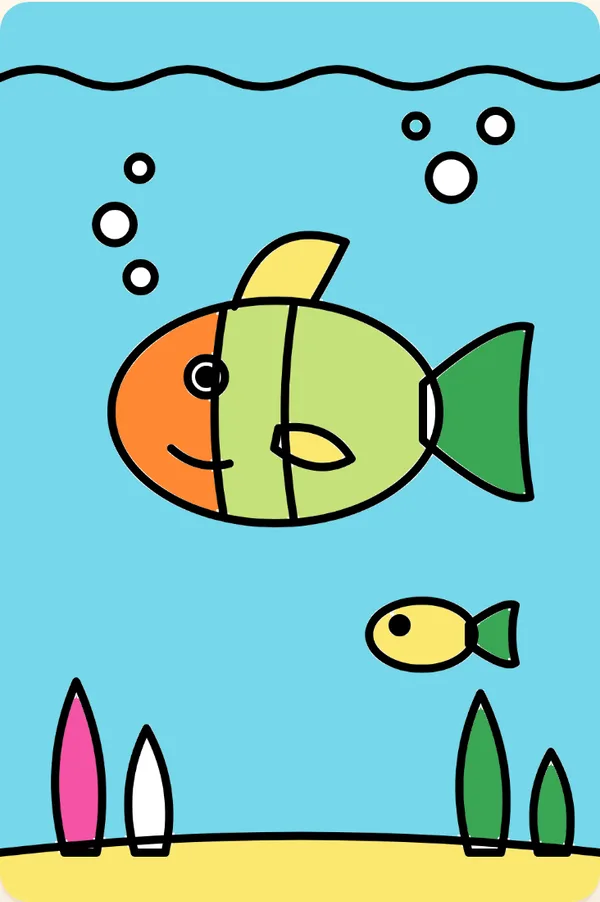

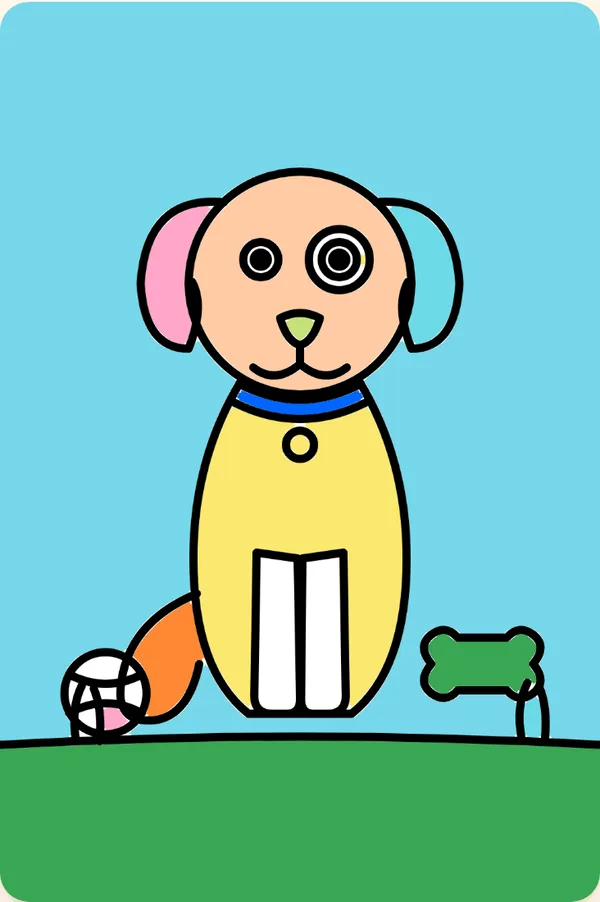
Made for the long wait
Big buttons for small fingers, no ads, no sound and nothing to buy by accident. It saves on its own, so the food can arrive mid-dinosaur.
- At the restaurantuntil the food comes
- In the back seatsignal or no signal
- In the waiting roomquiet the whole time
Always free
Dinosaurs, rockets, puppies and more
23 pages and every tool: fill, crayon, marker, paintbrush, pencil and eraser. New pages every Friday.
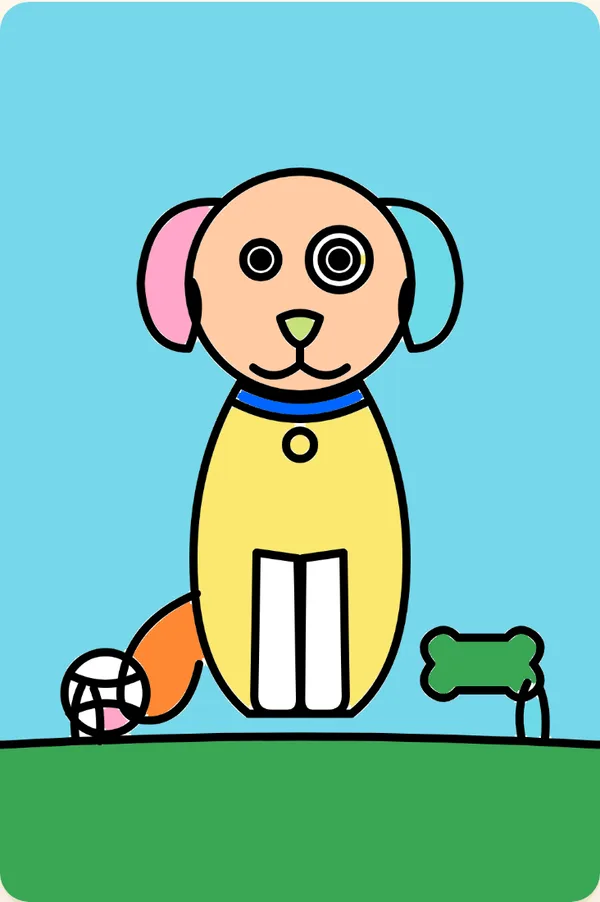
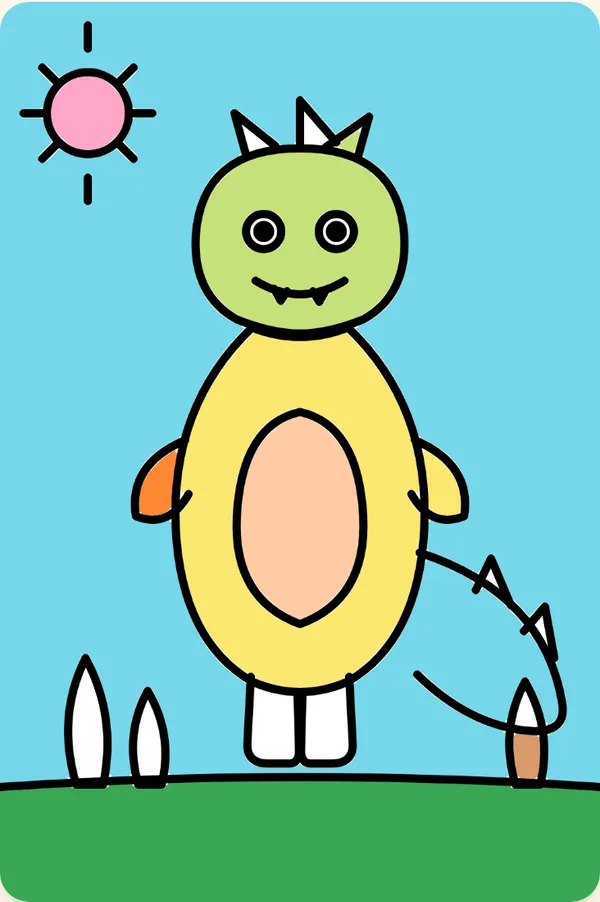
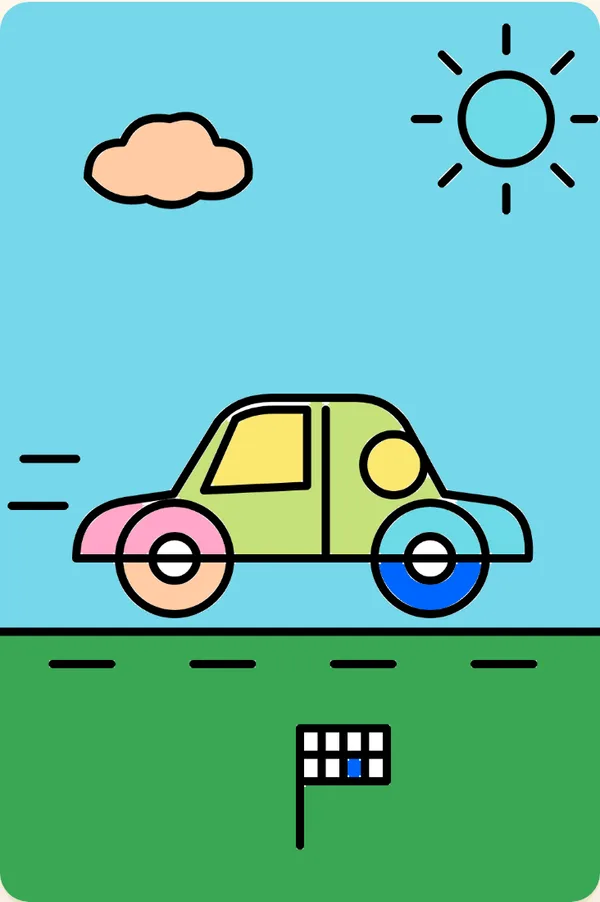

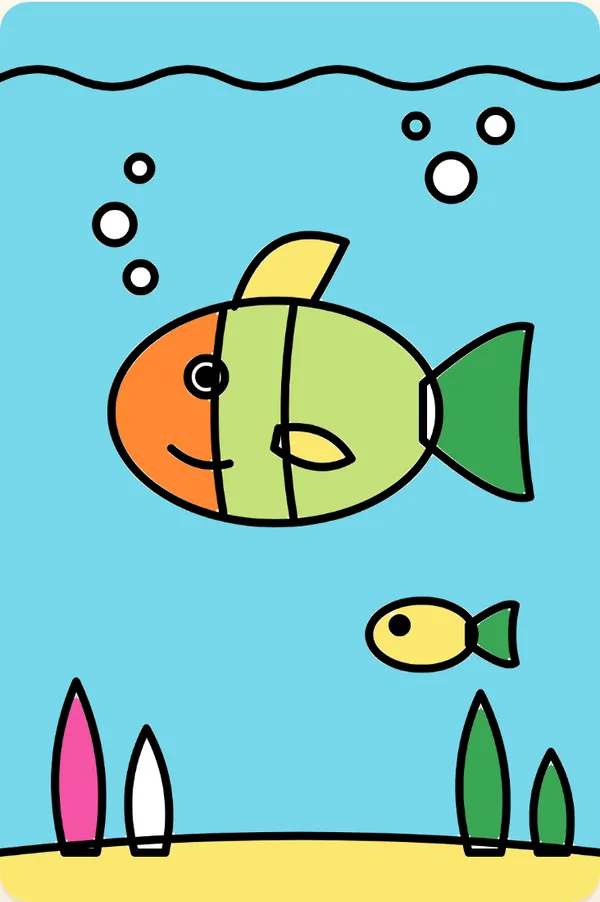

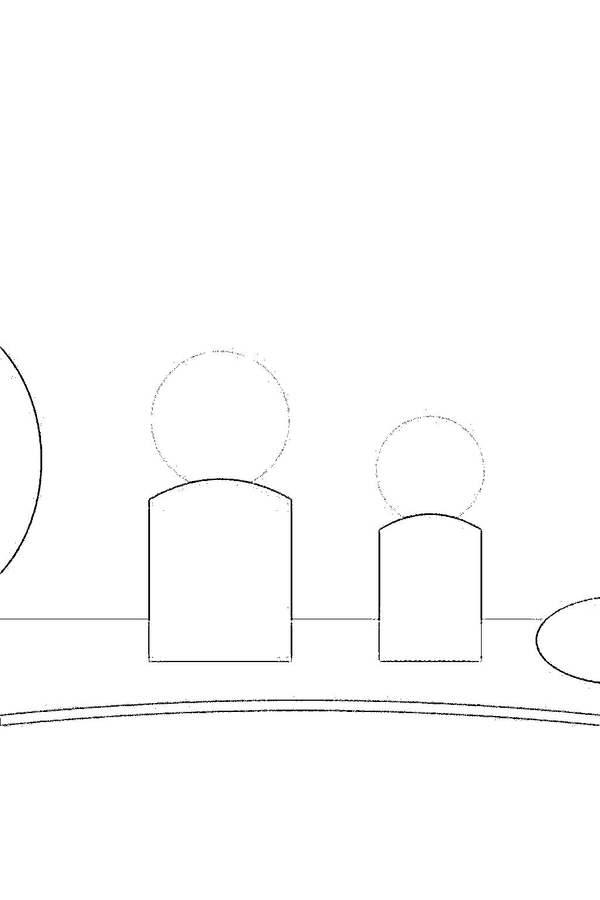
Photo pages
Then put your own family in it
Turn a photo of the kids, grandma or the dog into a coloring page. Kids color the people they know best.
1. Pick a photo
Straight from your camera roll. iPhone photos work too.
2. We draw it
In about a minute it becomes clean, bold line art that small hands can color.
3. Color it or print it
Color on the phone with fill, crayons and markers, or print a PDF at home.
3 free photo pages when you sign in. No card needed.
Holiday idea
A coloring book of the whole family for the holidays
Make pages of the cousins, the grandparents and the family dog before everyone gets together. Print a stack for the kids' table, or tuck one into a card for grandma.
Start with a photoWhat's free and what's Premium
Free
$0
- The whole coloring library
- Every coloring tool
- No account needed to color
- 3 photo pages when you sign in with your email
Premium
$29.99a year
- 100 photo pages a year, use them whenever
- Print-ready PDFs with no watermark
- 25 more pages for $9.99 any time you need them
- 7-day free trial with 5 photo pages
Cancel anytime.
Put it on your home screen
It opens full screen like an app, with no address bar or tabs for little fingers to tap.
iPhone and iPad
- 1Open this site in Safari.
- 2Tap the Share button
- 3Tap “Add to Home Screen”.
Android
- 1Open this site in Chrome.
- 2Tap the menu
- 3Tap “Add to Home screen” or “Install app”.
Your photos stay private
Photos are stored privately and never shared. Original uploads are deleted automatically after 30 days, and you can delete any page and its photo whenever you like. Read the privacy policy